Call of Duty 4 Bot Warfare
Bot Warfare adds playable AI bots to Call of Duty 4 multiplayer.
The original mod was created by INeedGames. This port runs through the CoD Xe plugin.
What You Need
Section titled “What You Need”- A genuine copy of Call of Duty 4: Modern Warfare
- The latest Call of Duty 4 title update: TU4
Before You Begin
Section titled “Before You Begin”Prepare a clean game folder and install CoD Xe before continuing with the title update and Bot Warfare installation.
Install Bot Warfare
Section titled “Install Bot Warfare”Download the latest Bot Warfare release:
Download Bot Warfare
Extract the contents of the .zip into your Call of Duty 4 game folder.
When installed correctly, your folder should look like this:
Directory
Call of Duty 4 - Modern WarfareDirectory_codxe
Directorymods
Directorybot_warfare
Directorymaps/
- …
Directoryscriptdata/
- …
Directoryscripts/
- …
- default_mp.xex
- …
Required IW3 Fastfiles
Section titled “Required IW3 Fastfiles”Install the Call of Duty 4 Custom Maps & Fastfiles package before playing. Its fastfiles are required by CoD Xe; the custom maps included in the package are optional.
Select Bot Warfare
Section titled “Select Bot Warfare”CoD Xe automatically lists mod folders in _codxe/mods in the native Mods
menu. You do not need to edit codxe.json to choose an active mod.
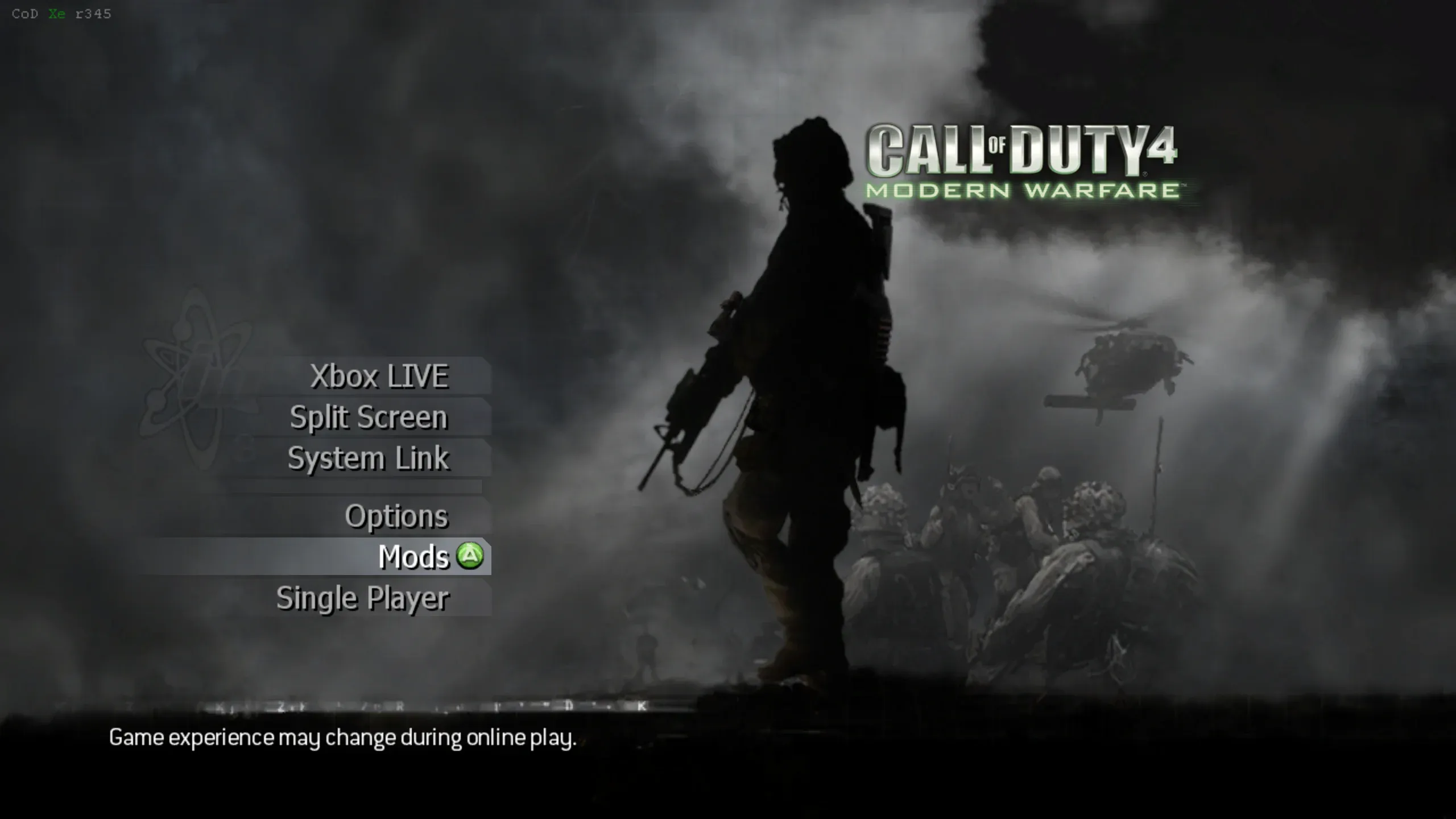
- Start Call of Duty 4 and select Mods from the main menu.
- Select bot_warfare from the list.
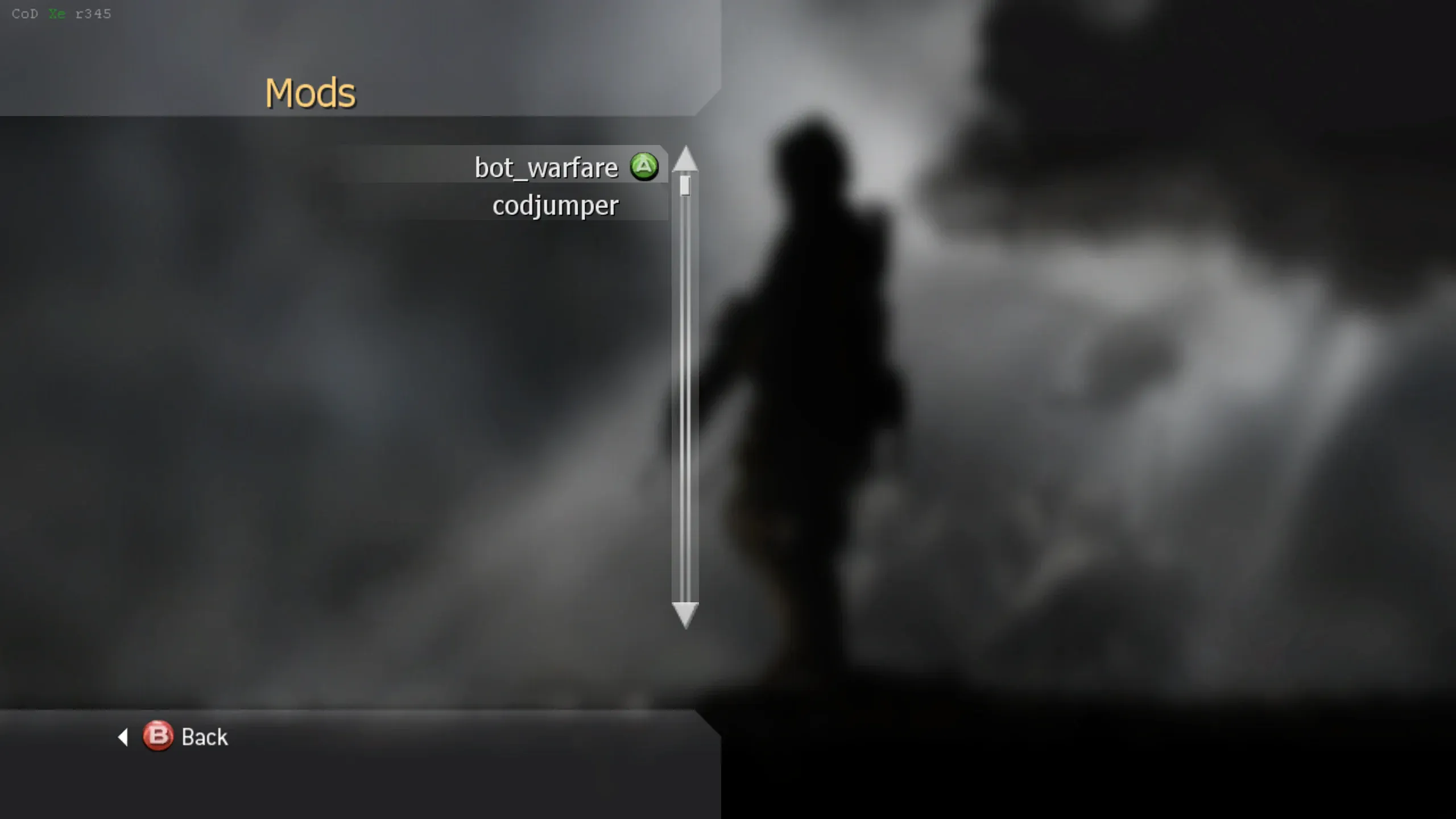
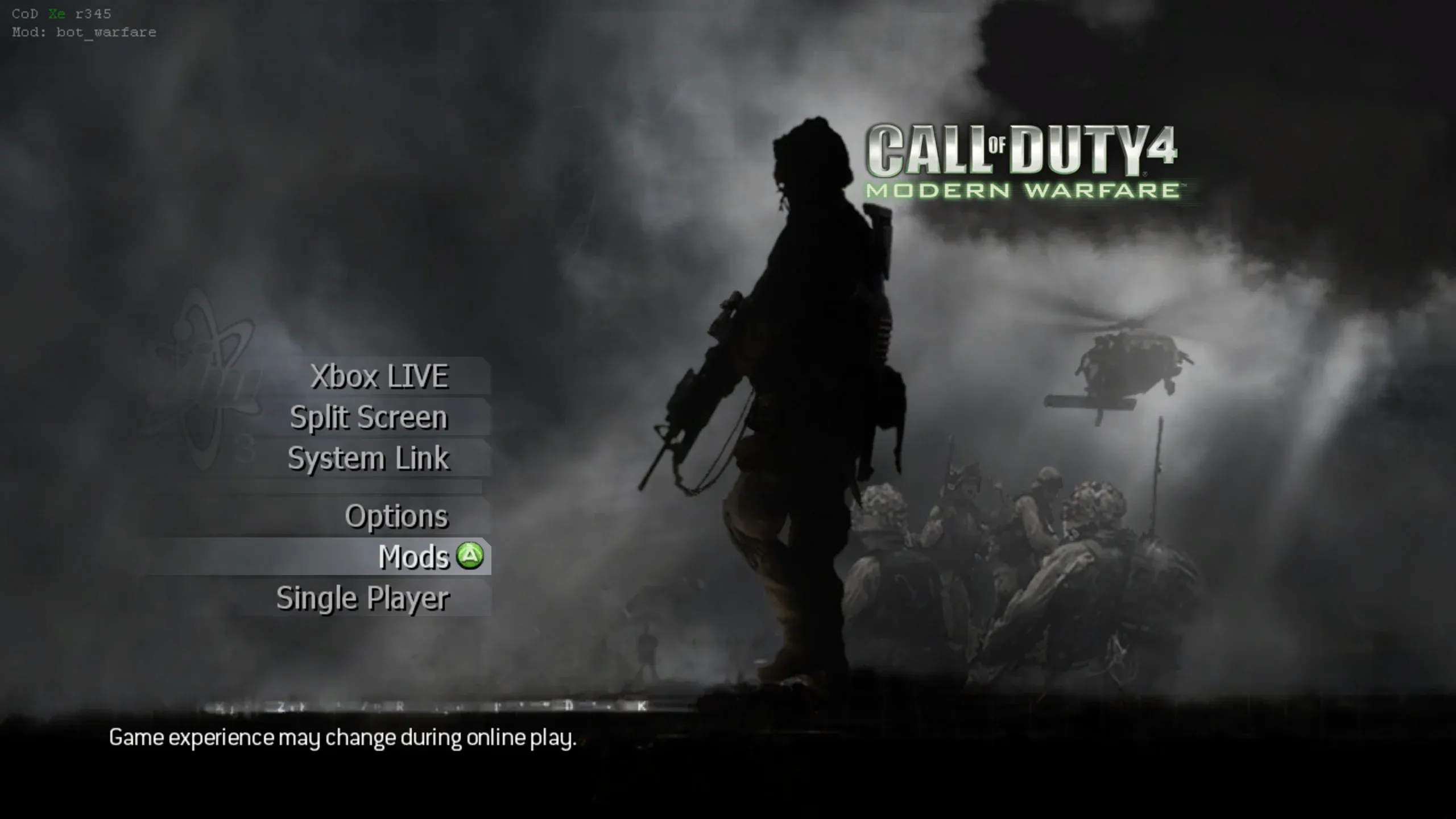
After you select it, the game returns to the main menu. The top left shows
Mod: bot_warfare when Bot Warfare is active.
Using Bot Warfare
Section titled “Using Bot Warfare”Start a System Link or private match.
Offline Create a Class
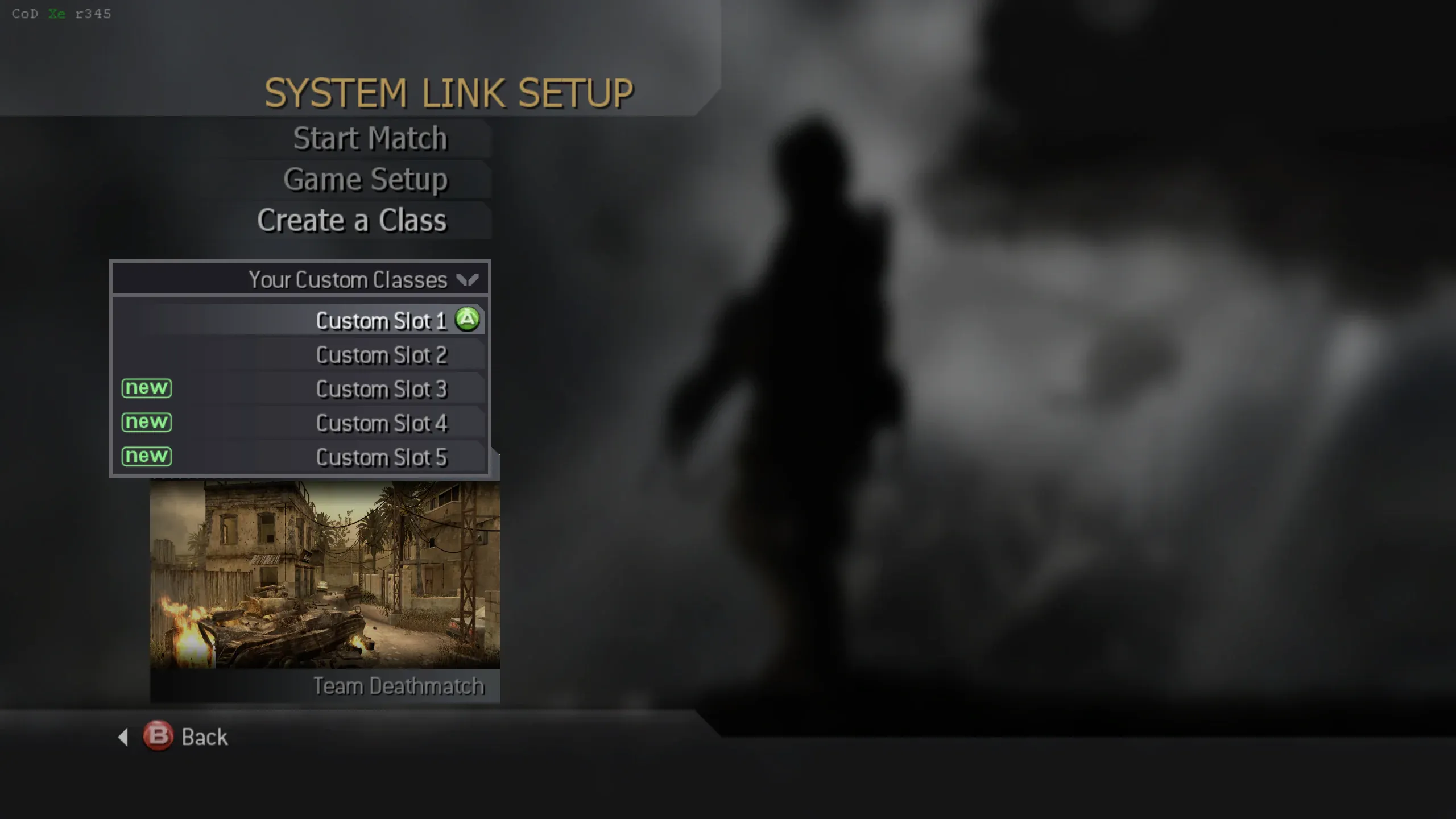
Section titled “Offline Create a Class”CoD Xe enables Create a Class in System Link and Split Screen, so you can customise your loadouts completely offline.
In-Game Menu
Section titled “In-Game Menu”In a System Link or private match, press X + RS to open the Bot Warfare menu.
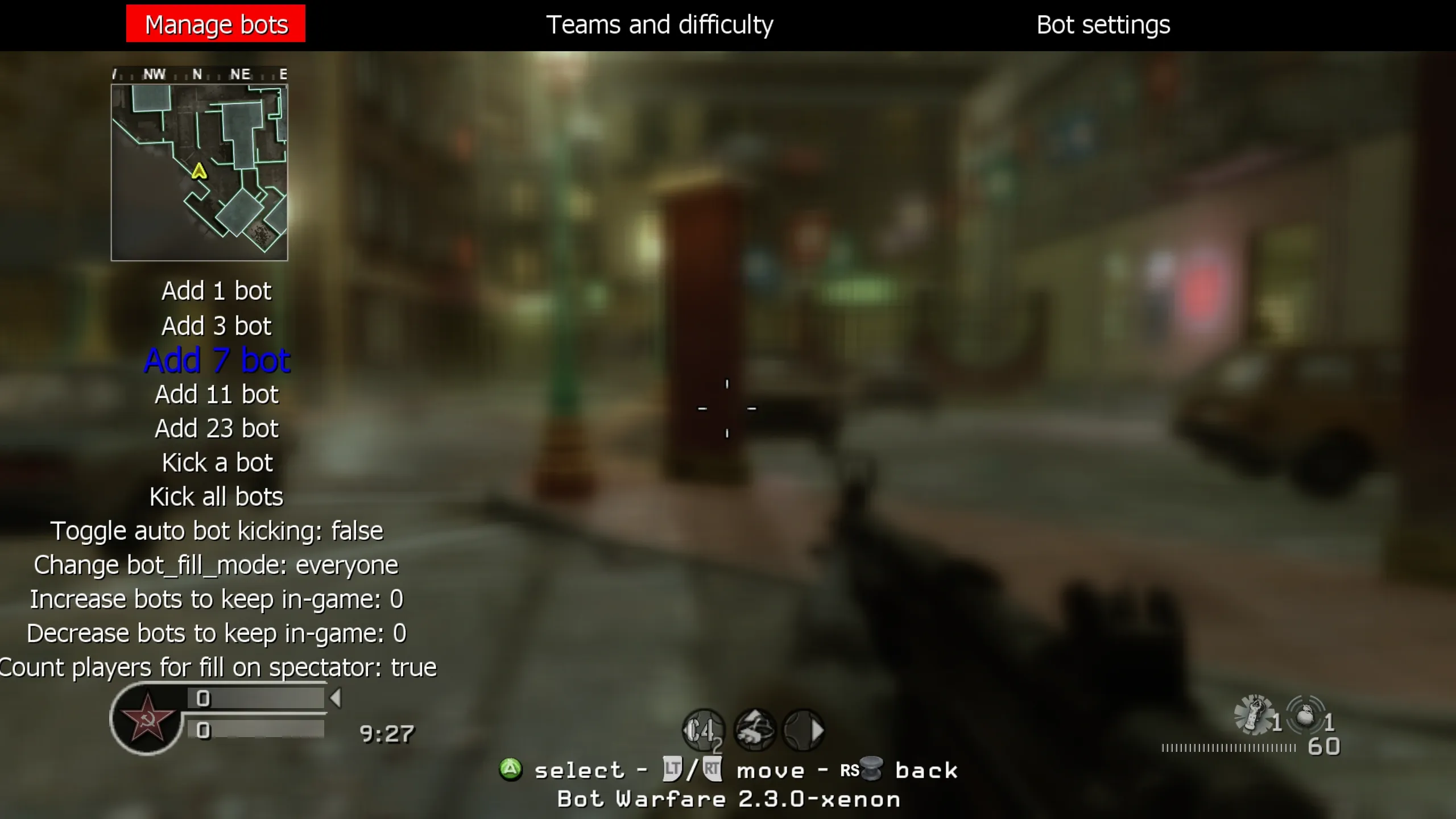
Bot Limits and Performance
Section titled “Bot Limits and Performance”Use the Bot awareness quality setting in the Bot Warfare menu to balance performance and responsiveness. Lower settings use less performance, but bots take longer to notice enemies. Medium is the default starting point.
Xenia can handle more bots than Xbox 360, depending on the map and your PC. Start lower and increase the count if performance stays stable.
Rename Bots
Section titled “Rename Bots”Bot names are stored in botnames.txt.
Open the file and add one bot name per line:
Directory
Call of Duty 4 - Modern WarfareDirectory_codxe
Directorymods
Directorybot_warfare
Directoryscriptdata
- botnames.txt
- …