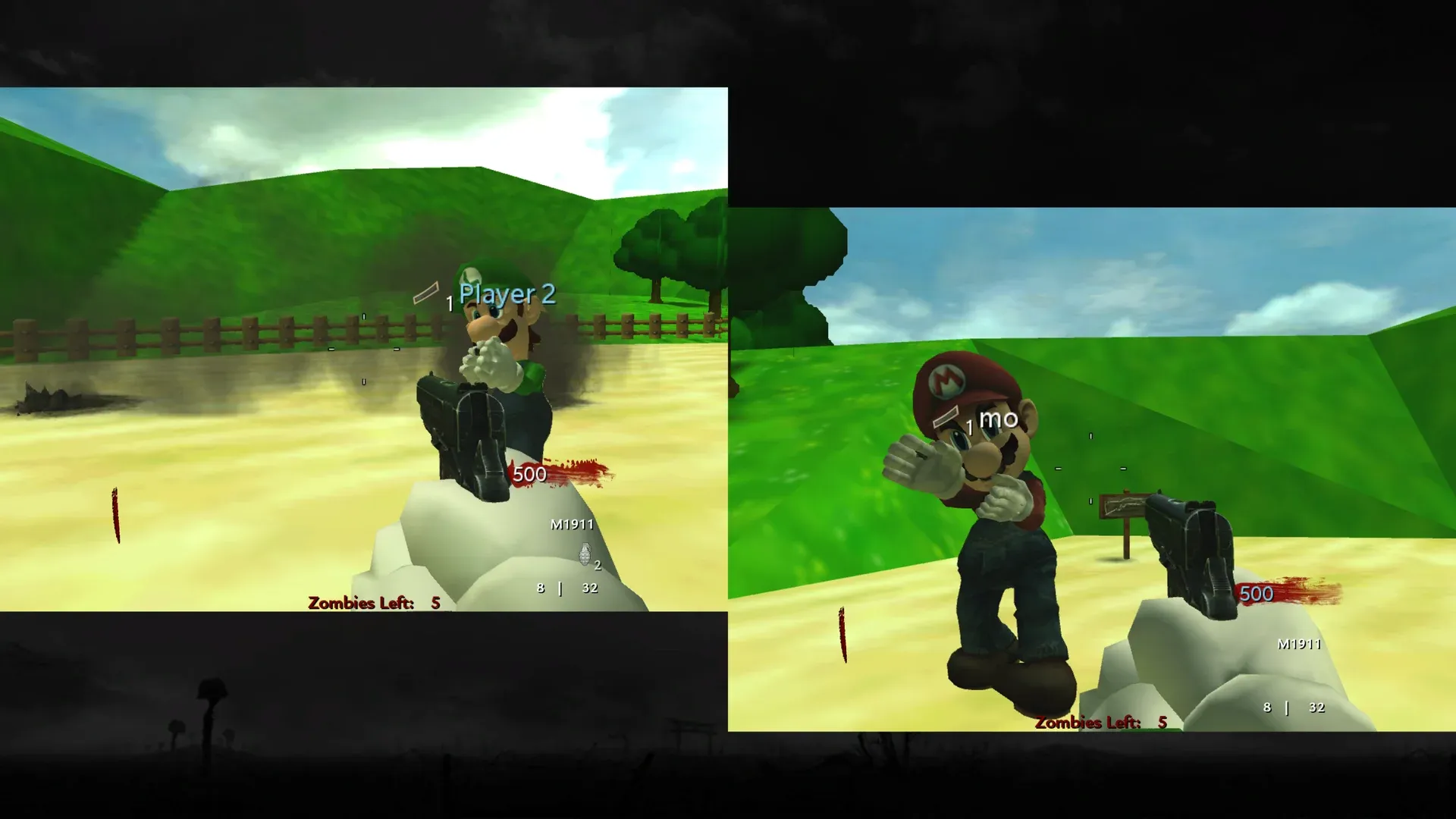
World at War Custom Zombie Maps
This package contains the CoD Xe fastfiles needed to play custom zombie maps in Call of Duty: World at War.
What’s New in v0.3.0
Section titled “What’s New in v0.3.0”- More maps
- Dynamically populated menu list
cg_fovscaleslider in Start > Options.
What’s New in v0.2.0
Section titled “What’s New in v0.2.0”- More maps
- Loading screens
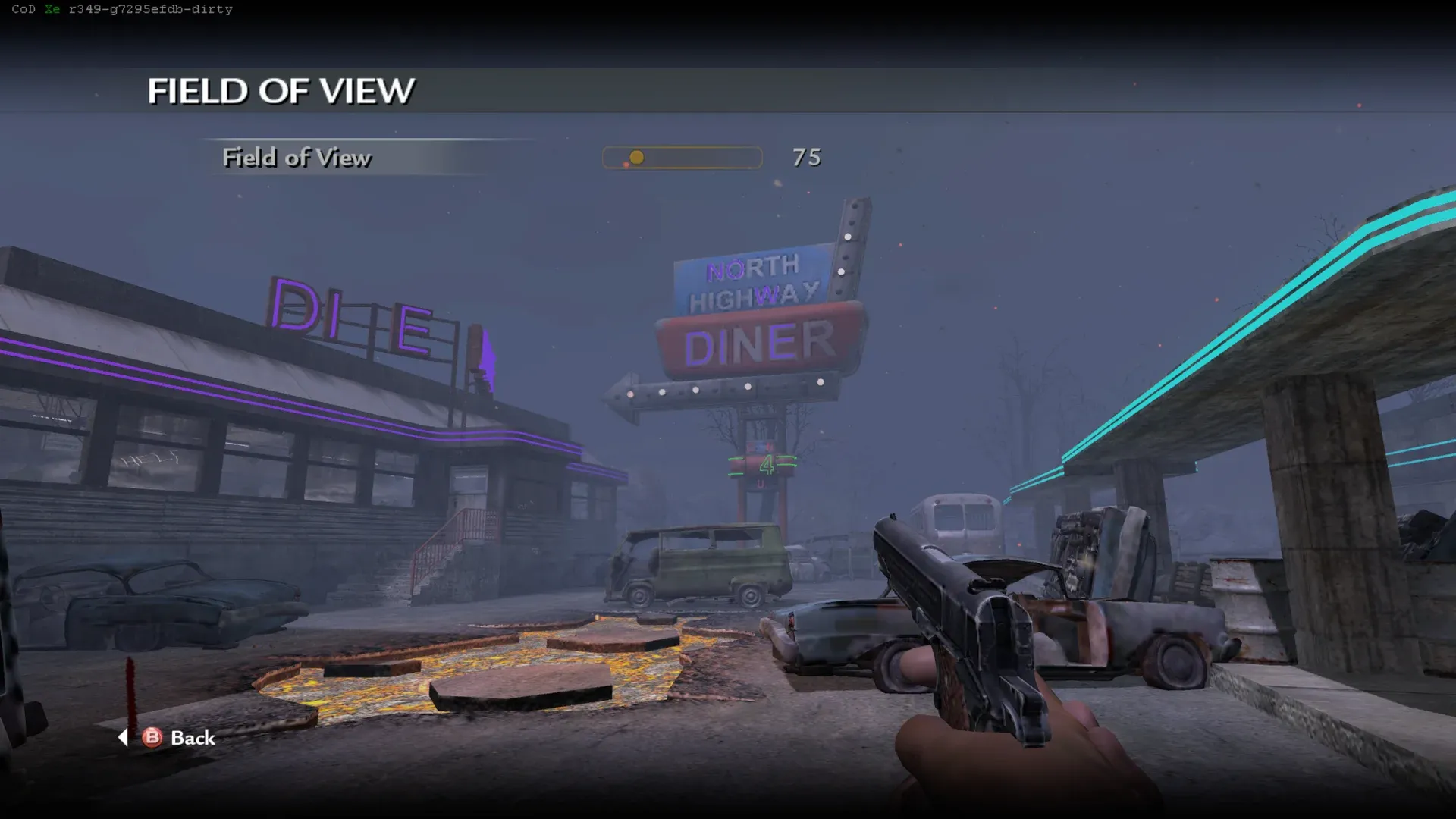
- A Field of View slider in Start > Options.
Known Issues
Section titled “Known Issues”- Missing sounds
- Low quality textures
- Pack-a-Punch on certain weapons on certain maps can crash the game
Included Custom Zombie Maps
Section titled “Included Custom Zombie Maps”All listed maps have been tested in local Split Screen and on Xbox 360 hardware.
- Cargoship Zombies (
cargoship) - Kino Der Toten (
kinodertoten) - Super Mario 64 (
mario) - Aztec (
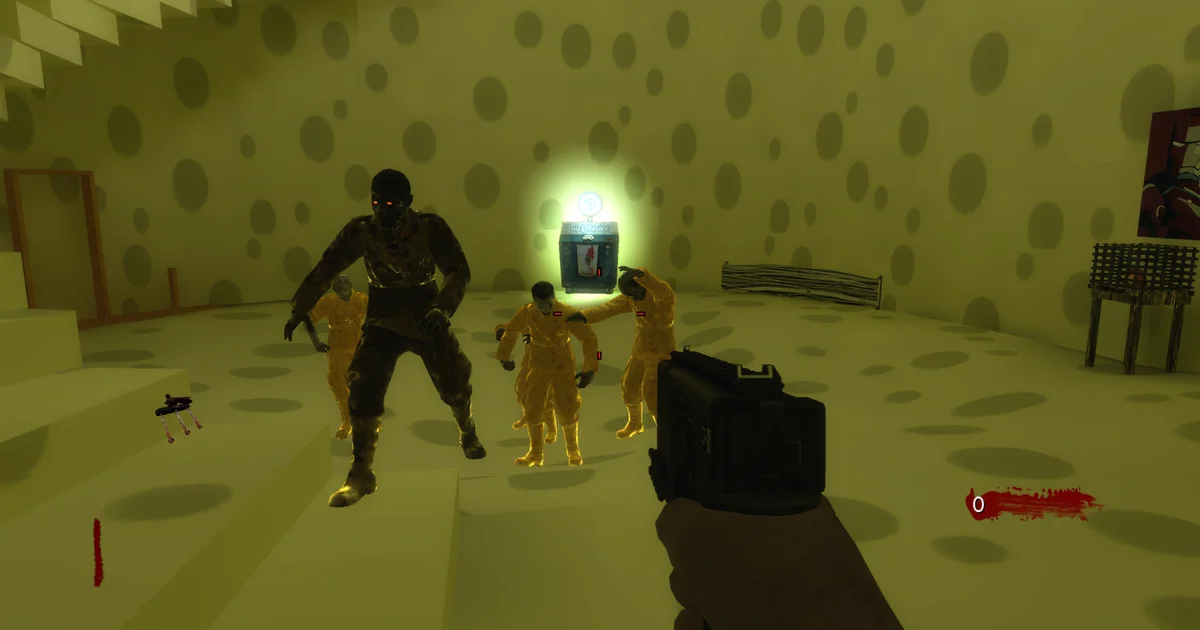
nazi_zombie_aztec) - Cheese Cube Unlimited (
nazi_zombie_ccube_u) - DerBerg (
nazi_zombie_derberg) - Five Nights at Freddy’s (
nazi_zombie_fivenights) - Halloween Town (
nazi_zombie_halloween) - Hijacked (
nazi_zombie_hijacked) - Leviathan (
nazi_zombie_leviathan) - Lorkeep Station (
nazi_zombie_lorkeep) - McDonald’s (
nazi_zombie_mcdonalds) - Beverstedt Zombies v1.3 (
nazi_zombie_nabo) - Quizz V2 (
nazi_zombie_quizz_v2) - Doll House 2 (
nazi_zombie_sc_dh2) - Clinic Of Evil (
sanatorium) - Spongebob (
spongebob) - Standoff Winter (
zm_standoff_winter) - Terminus (
zm_terminus) - BO2 Town Expanded (
zm_tranzit) - Empty Walls (
zm_wall)
What You Need
Section titled “What You Need”- A genuine USA / Europe copy of Call of Duty: World at War
- Call of Duty: World at War TU7
- The latest CoD Xe plugin
Prepare a clean game folder and install CoD Xe before continuing:
Prepare game filesUse clean, unmodified game files.
Install World at War TU7Download TU7 and install it for your platform.
Xbox 360Install CoD Xe on an Xbox 360.
XeniaInstall CoD Xe on Xenia Canary.
Download and Install
Section titled “Download and Install”Download CoD Xe T4 Fastfiles v0.3.0
- Update to the latest CoD Xe plugin.
- Extract the
.zip. - Open the extracted
codxe-t4-fastfiles-v0.3.0folder. - Copy its
_codxefolder into your World at War game folder and allow it to merge with your existing_codxefolder.
This release is self-contained. You can delete your existing _codxe folder
before copying the one from the archive.
When installed correctly, the relevant files should look like this:
Directory
Call of Duty - World at WarDirectory_codxe
Directoryt4
Directoryzone/
- …
Directoryusermaps
Directorymario/
- …
Directorynazi_zombie_aztec/
- …
Directorynazi_zombie_ccube_u/
- …
- …
- default.xex
- default_mp.xex
Field of View
Section titled “Field of View”Open Start > Options, then select Field of View to adjust the slider.
Split Screen
Section titled “Split Screen”All listed maps support local Split Screen.