World at War Bot Warfare
Bot Warfare adds playable AI bots to Call of Duty: World at War multiplayer.
The original mod was created by INeedGames. This port runs through the CoD Xe plugin.
What You Need
Section titled “What You Need”- A genuine copy of Call of Duty: World at War
- The latest Call of Duty: World at War title update: TU7
Before You Begin
Section titled “Before You Begin”Prepare a clean game folder and install CoD Xe before continuing with the title update and Bot Warfare installation.
Install Bot Warfare
Section titled “Install Bot Warfare”Download the latest T4 Bot Warfare release:
Download T4 Bot Warfare
Extract the contents of the .zip into your Call of Duty: World at War game
folder.
When installed correctly, your folder should look like this:
Directory
Call of Duty - World at WarDirectory_codxe
- codxe.json
Directorymods
Directorybot_warfare
Directorymaps/
- …
Directoryscriptdata/
- …
Directoryscripts/
- …
- default_mp.xex
- …
Using Bot Warfare
Section titled “Using Bot Warfare”Start Call of Duty: World at War multiplayer.
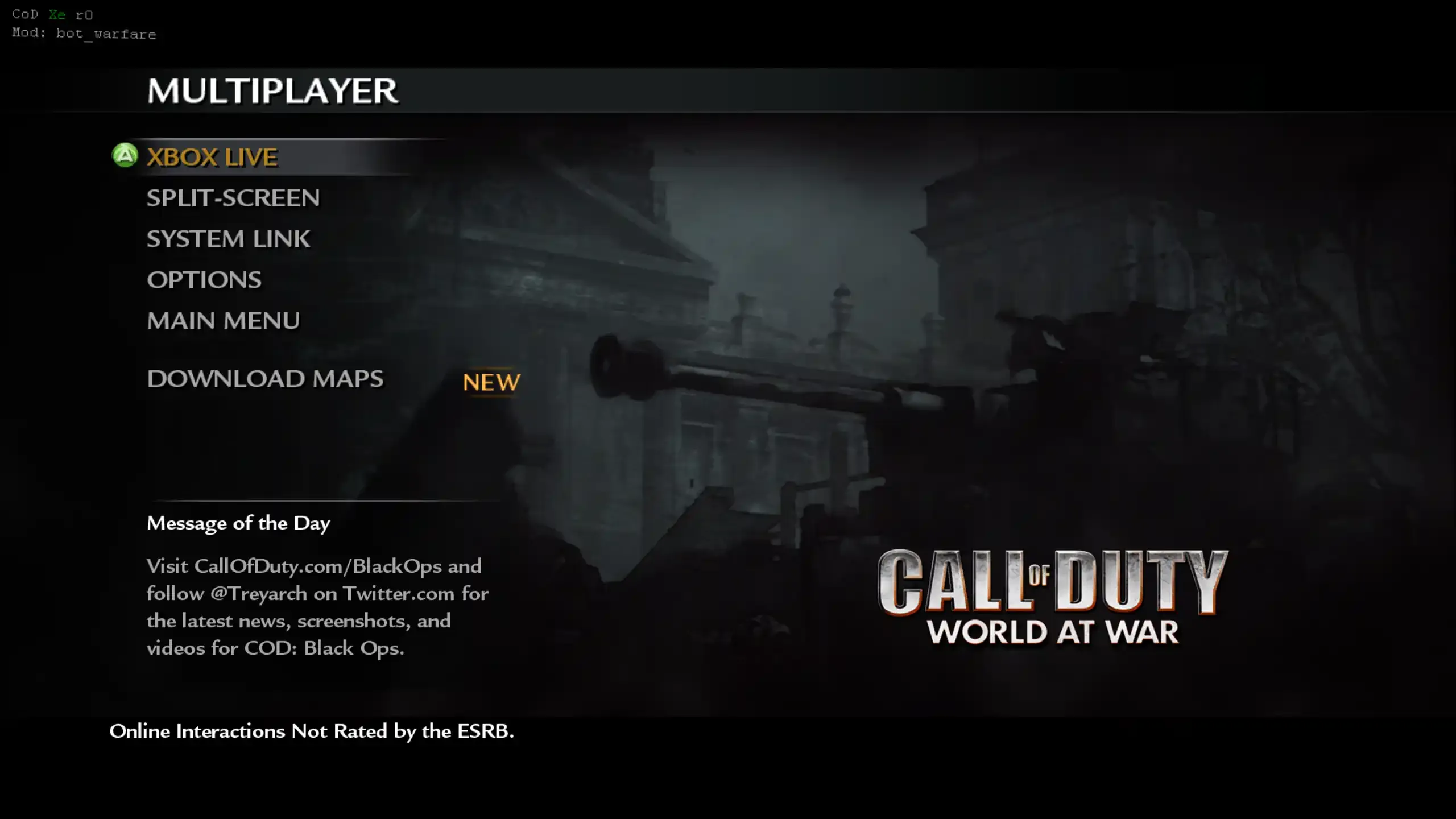
If the mod loaded, you will see the Mod: bot_warfare text in the top left:
In-Game Menu
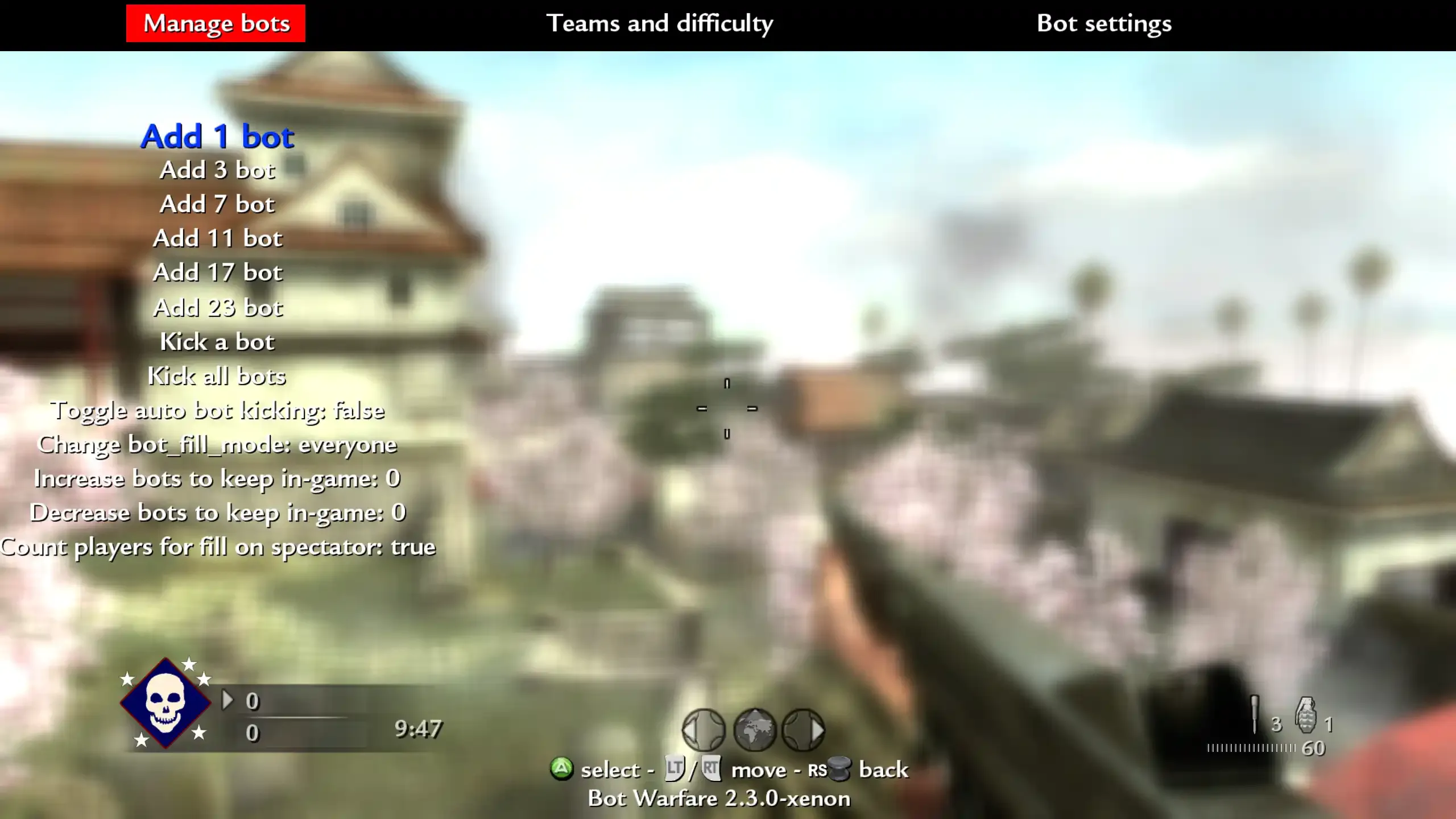
Section titled “In-Game Menu”In a System Link or private match, press X + RS to open the Bot Warfare menu. Use it to add bots, change bot difficulty, and adjust settings.
Bot Limits and Performance
Section titled “Bot Limits and Performance”Use the Bot awareness quality setting in the Bot Warfare menu to balance performance and responsiveness. Lower settings use less performance, but bots take longer to notice enemies. Medium is the default starting point.
Xenia can handle more bots than Xbox 360, depending on the map and your PC. Start lower and increase the count if performance stays stable.
Rename Bots
Section titled “Rename Bots”Bot names are stored in botnames.txt.
Open the file and add one bot name per line:
Directory
Call of Duty - World at WarDirectory_codxe
Directorymods
Directorybot_warfare
Directoryscriptdata
- botnames.txt
- …